
Entopizo Pro · Support
Entopizo Pro Support
Help with signing in, the mobile app, notifications and everyday use of Entopizo Pro.
Signing in
Tap «Sign in with Entopizo». You are taken to the customer Portal.
Enter the mobile number registered with Entopizo and the code you receive.
Create a passkey to sign in with your fingerprint or face. Entopizo Pro has no second password.
Access requires an active Entopizo Pro service. Users invited by your company sign in the same way, with the email of the invitation.
Mobile app
Android
Install Entopizo Pro from Google Play. If you used Entopizo Plus, the app is its upgrade.
Installable web app
In your browser open pro.entopizo.com and choose «Install the app» in Settings. Works on phones without Google Play and on computers, without push notifications.
iPhone
The iPhone app is coming soon. Until then use pro.entopizo.com in Safari.
Notifications
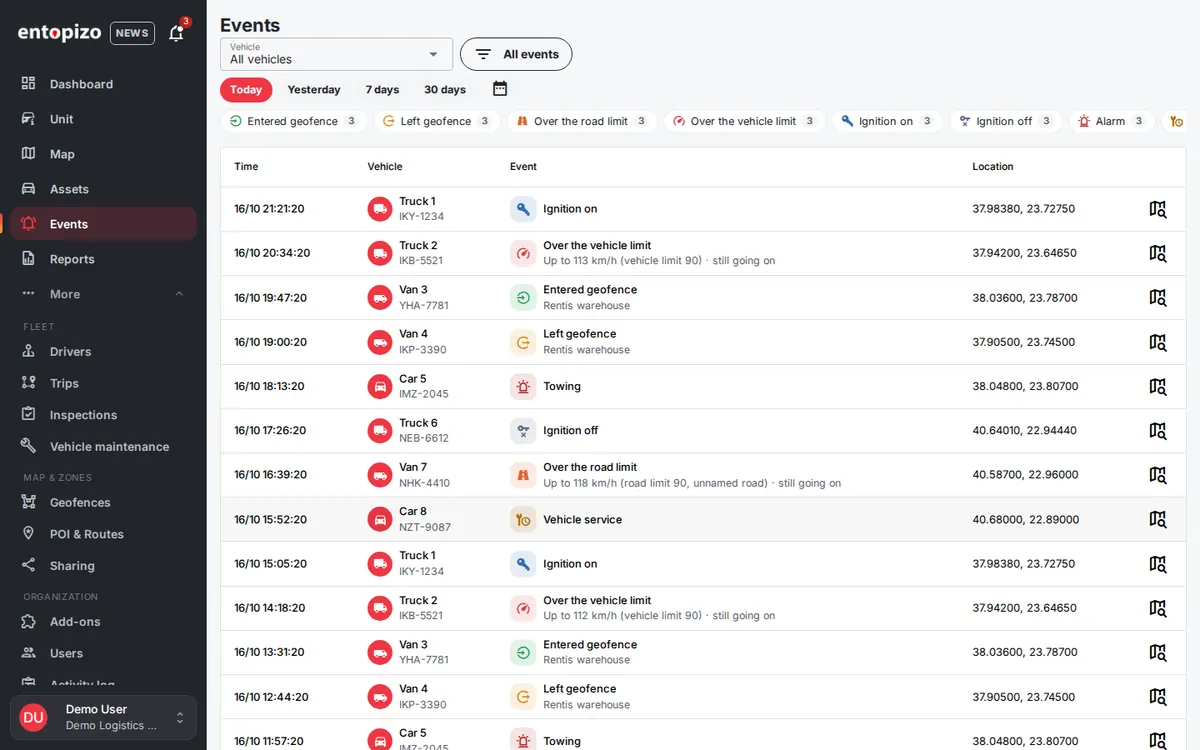
Choose which events reach you, for which vehicles, and how: in the app, as push, by email or by webhook. Each rule can have active hours, a cooldown and its own sound.
- On Android, use «Alerts check» to make sure alerts arrive with the app closed, and send yourself a test alert
- For Entopizo Instant Call, let the app save +30 211 114 2222 as a contact so the call rings even in Do Not Disturb
Frequently asked questions
A vehicle shows «Offline». What should I do?
I do not receive notifications on my phone.
How do I add a user?
How do I export a report?
How do I share a vehicle's location?
How do I change the language?
Renewals, invoices and device requests
More
Official Teltonika Distributor & Gold Partner in Greece · ISO 9001:2015 · ISO 27001:2022
© 2026 Copyright Petros Simeonidis Security Services Private Company General Partnership. All Right Reserved.
Share your experience with Entopizo
Your feedback helps us improve our GPS tracking, vehicle security and telematics services, while helping future customers choose with confidence.
We use cookies for analytics and advertising (Google Tag Manager, Meta pixel) only if you agree. Necessary cookies are always on. Privacy policy