
Entopizo Pro · Fleet platform
Entopizo Pro: fleet management on web and mobile
Live tracking, trips, alerts, reports, drivers and maintenance for every vehicle of your business, in one platform.
Entopizo Pro is the advanced fleet platform of Entopizo, available in the browser, on Android and as an installable web app, in Greek and English. You sign in with your Entopizo customer account, with no second password.
Live map
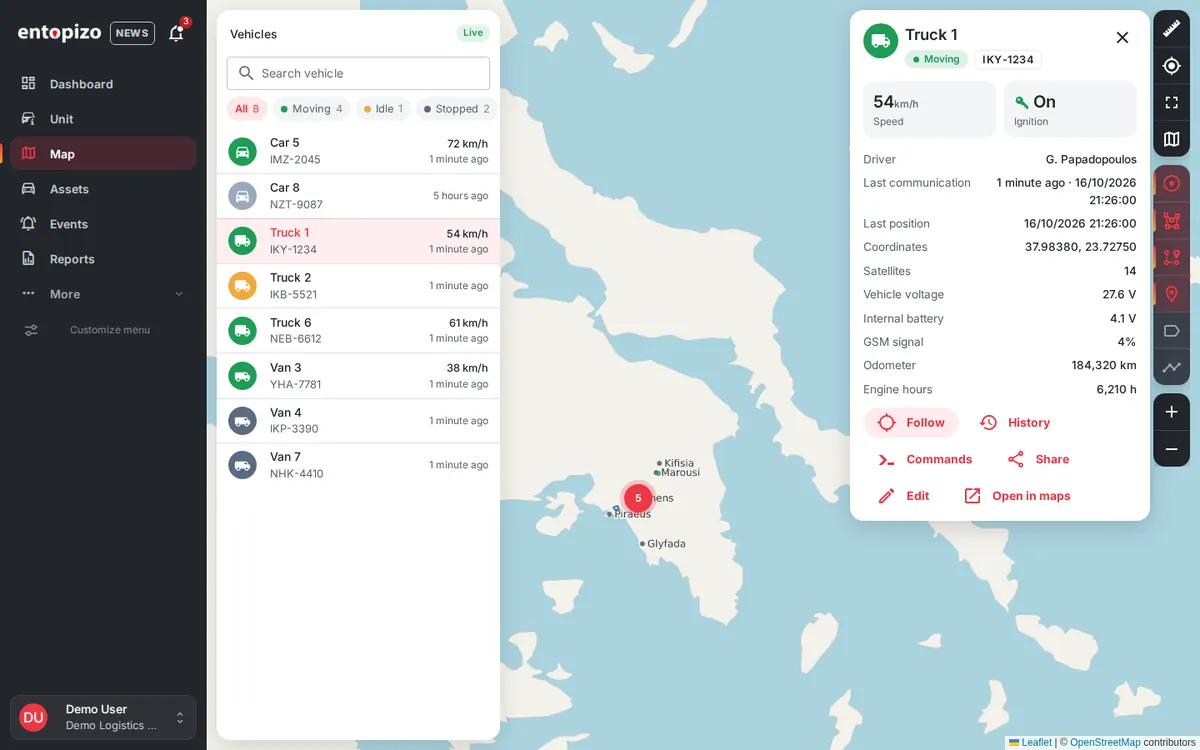
Every vehicle, live, on one map
See where each vehicle is and whether it is moving, idle, stopped or offline. Positions update in real time, nearby vehicles are grouped, and a searchable list filters the fleet by status.
- Vehicle card with speed, ignition, driver, last contact, voltage, GSM signal, odometer and engine hours
- Follow a vehicle, open its history, send a command or share its location in one click
- Measure distances, switch base maps (street and satellite) and show geofences, places and routes
Unit view
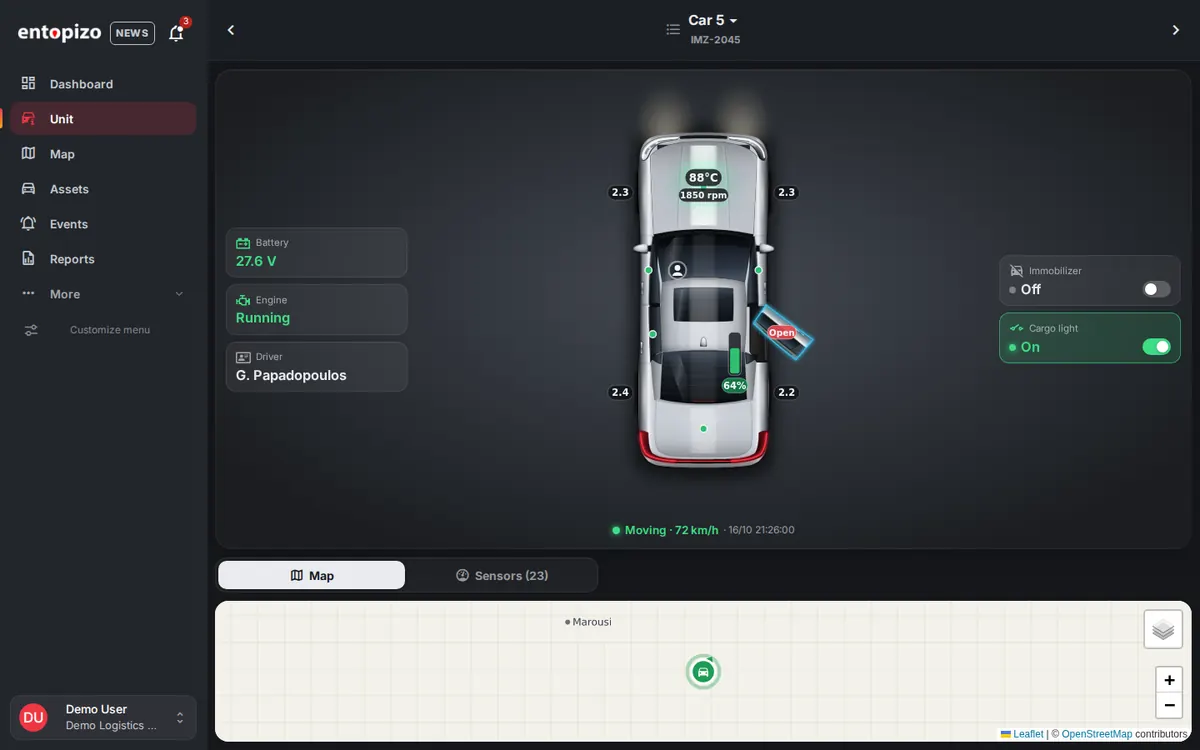
One vehicle, every detail
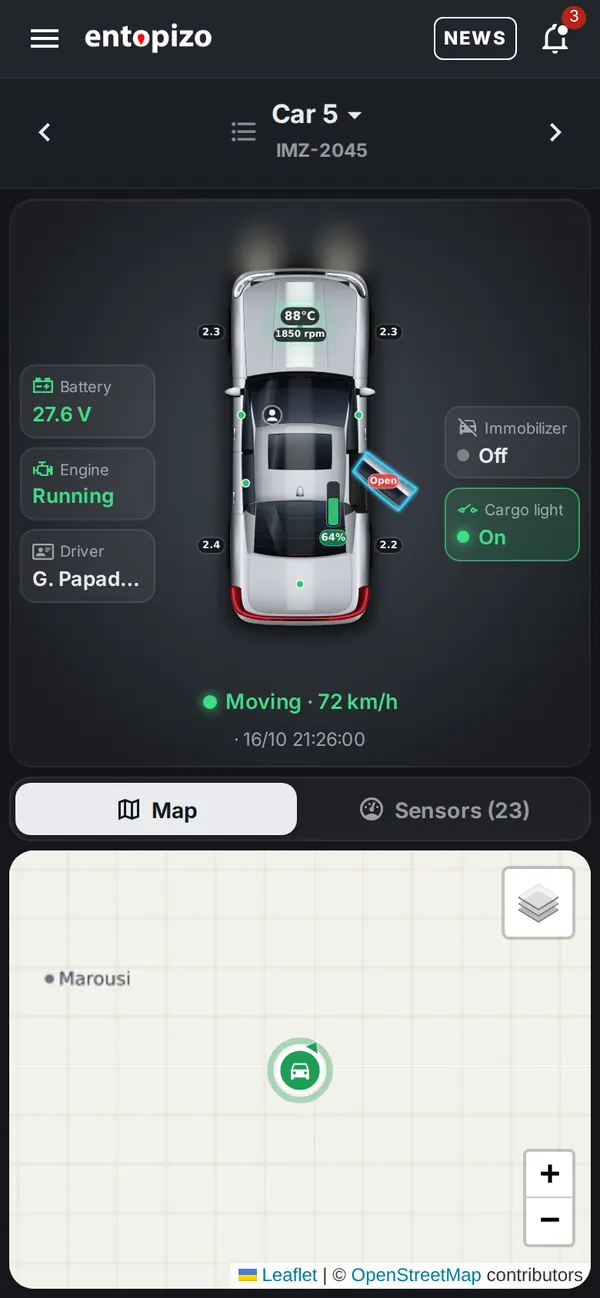
A drawing of the vehicle shows the state of its parts as the tracker reports them: doors, hood and trunk, seat belts, tyre pressures, fuel or AdBlue level, engine temperature and rpm. Sensor readings sit on one side and output switches on the other.
- Cars, vans, trucks, buses, motorcycles, trailers, machinery, boats and more
- Suggested sensors from the tracker data, which you can rename and set limits for
- Can be set as your home page
Trips & history
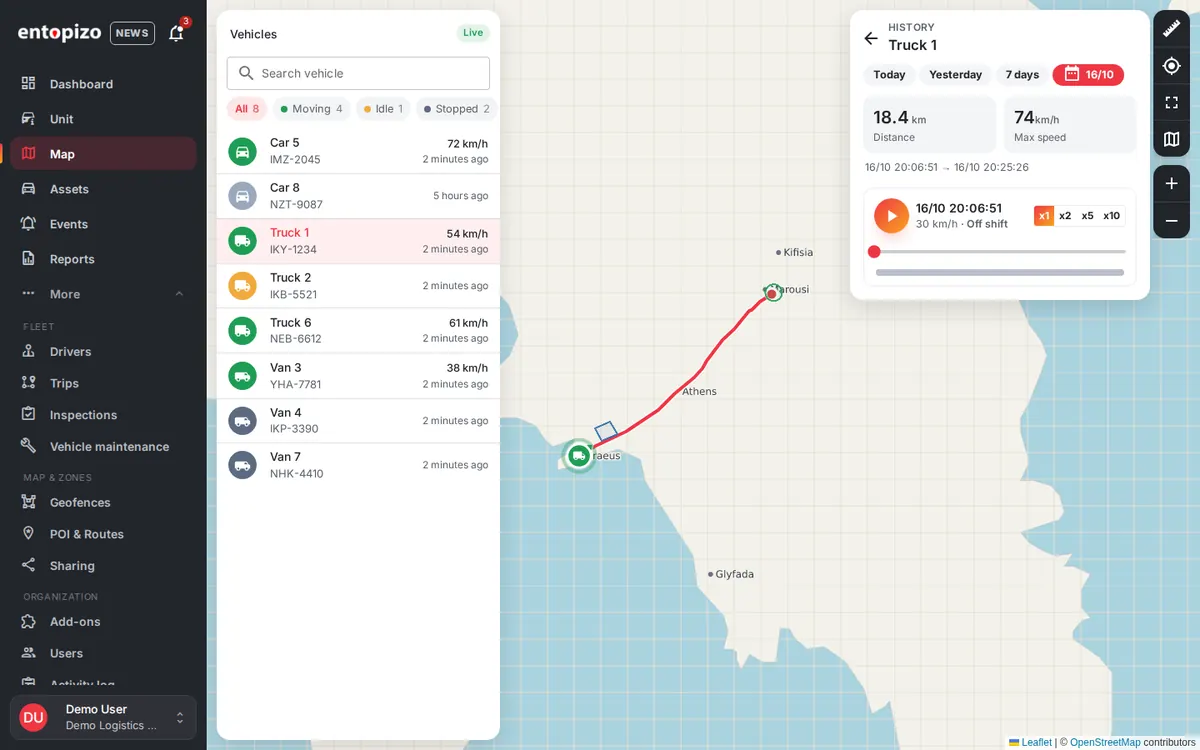
Every trip, replayable
Each trip is recorded with driver, departure and arrival, duration, distance and top speed. Play any route back on the map with a timeline and adjustable speed.
- Totals for trips, kilometres, driving time and maximum speed
- Today, yesterday, 7 days, 30 days or any custom period
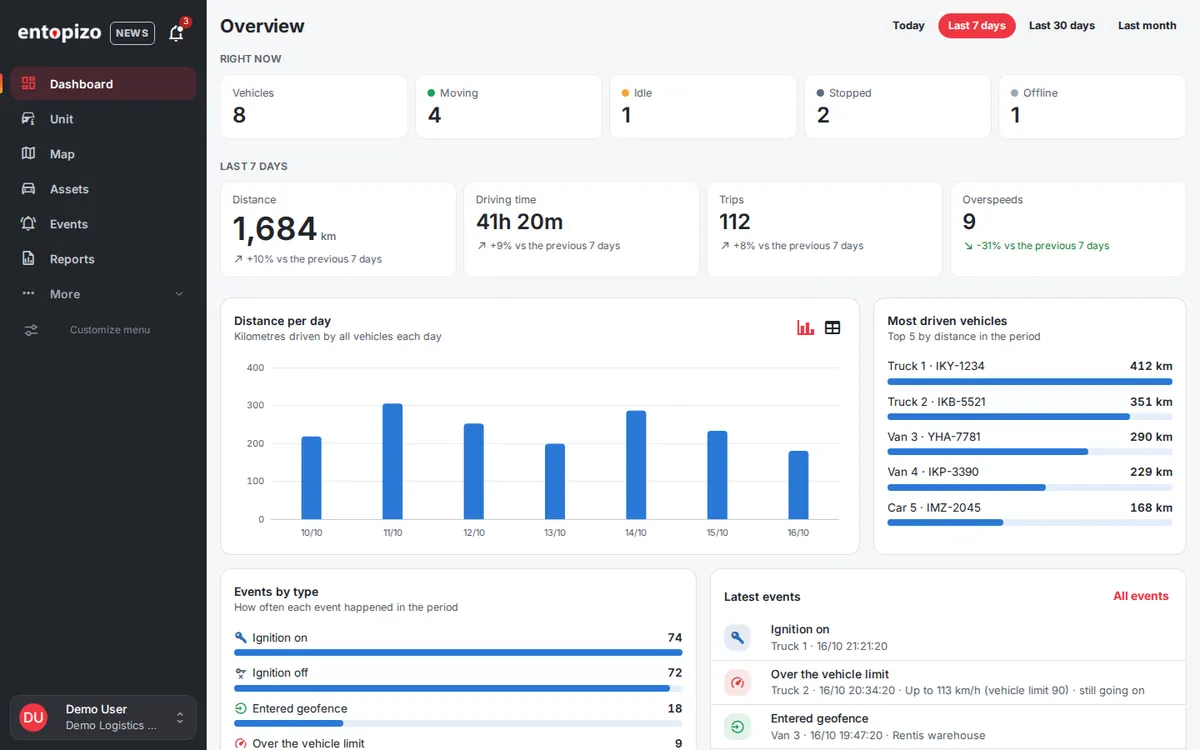
- Overview dashboard comparing each period with the previous one
Events & alerts
Know the moment something happens
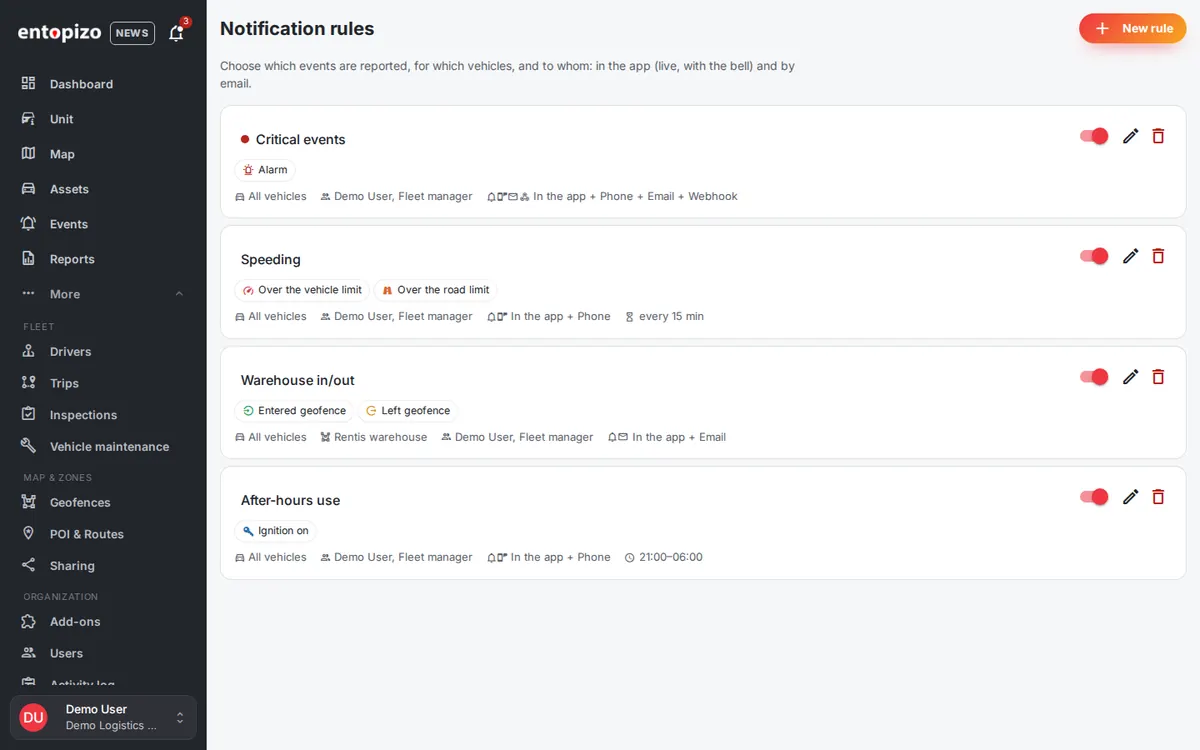
Ignition on and off, speeding against the vehicle limit or the road speed limit, geofence entry and exit, and tracker alarms such as panic button, towing, crash, jamming and power cut become events you can act on.
- Notifications in the app, as mobile push, by email or to your own system by webhook
- Active hours, weekly schedules, cooldown, and 24 notification sounds
- Suggested rules for each new vehicle, ready with one click
- Critical alerts by phone call through Entopizo Instant Call
Geofences & places
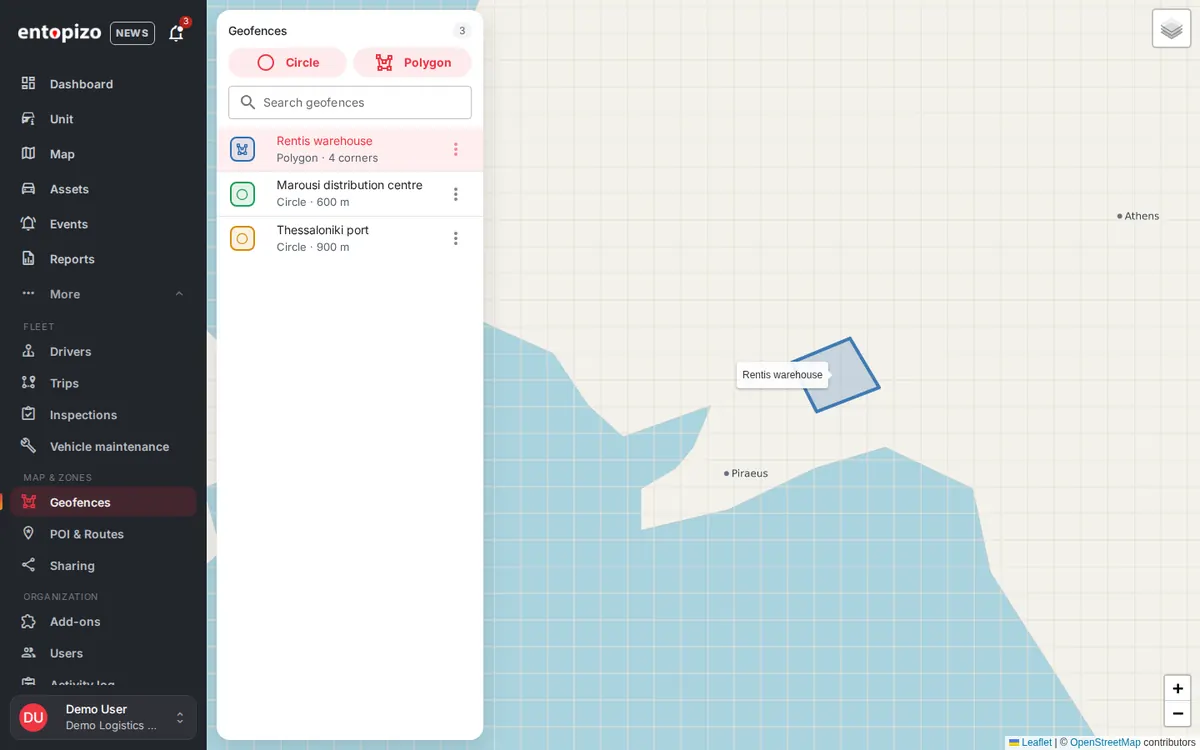
Zones, places and routes
Draw circular or polygon geofences, add points of interest and planned routes, and use them in alerts and reports.
Reports
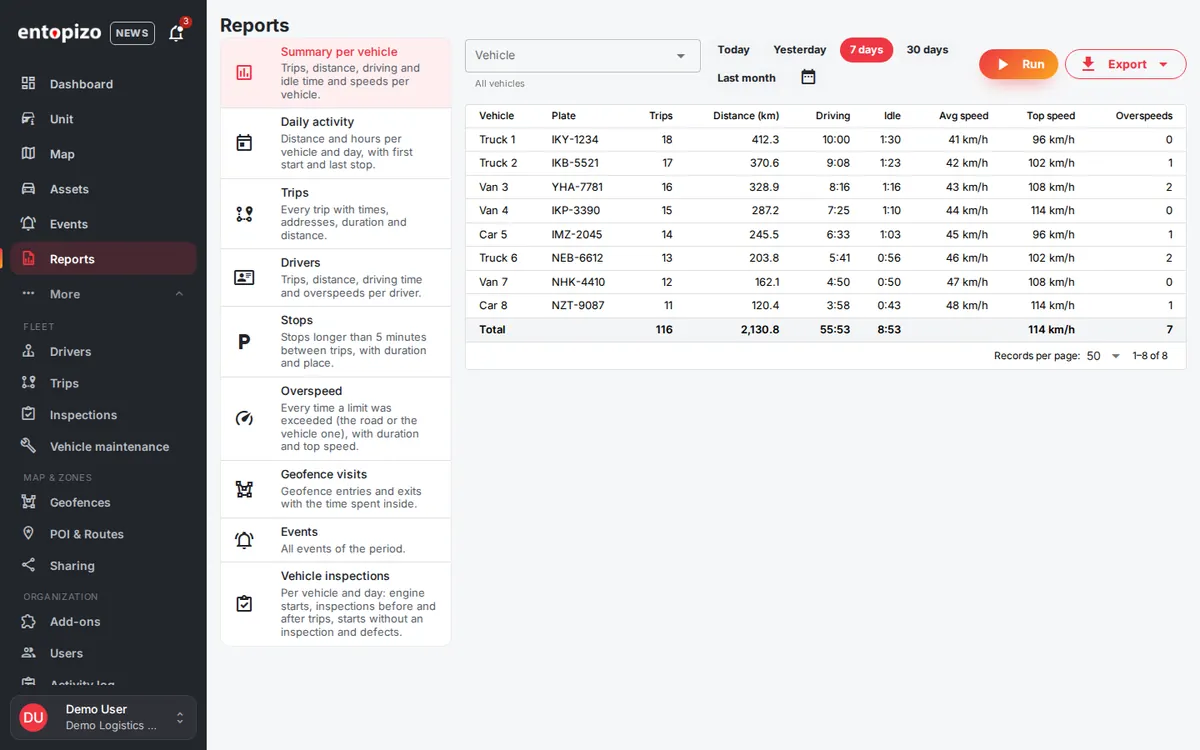
Nine reports, ready to export
Summary per vehicle, daily activity, trips, drivers, stops, overspeed, geofence visits, events and vehicle inspections, for any vehicles and period.
- Export to CSV, Excel and branded PDF
- Reports in Greek or English
Everything your fleet needs
Drivers
Driver records with licence expiry and RFID/iButton identification, vehicle assignment and assignment history.
Maintenance
Service schedules by kilometres, engine hours or time, document expiries such as roadworthiness test and insurance, work orders and reminders.
Location sharing
A link with the live position of chosen vehicles, valid from one minute to 30 days, sent by email or Viber. No account needed to view it.
Commands
Ready commands per tracker model and named outputs, with history and replies. Critical commands ask you to confirm with the plate.
Users & roles
Invite users as administrator, fleet manager, operator, driver or viewer, and limit them to a fleet or to specific vehicles. Every change is in the activity log.
Digital vehicle inspection
Optional add-on: drivers complete a checklist on their phone, with photos of defects. A critical defect takes the vehicle out of service and raises an alert.
Mobile
In your pocket
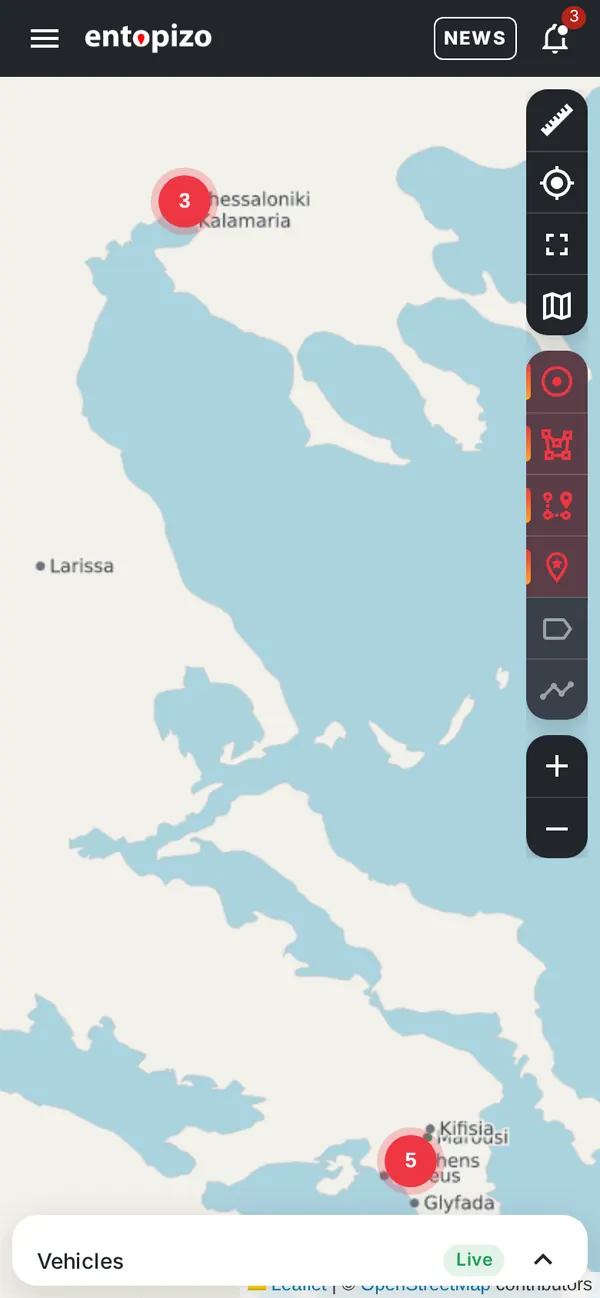
The same platform on your phone: the Android app with push notifications and a sound for each event, or the installable web app for any phone and computer.
- Android app on Google Play, the upgrade of Entopizo Plus
- Installable web app, also for phones without Google Play
- Scan a vehicle's QR sticker to open its inspection
Secure by design
- Sign-in through the Entopizo customer Portal, with passkeys
- No second password to remember
- Roles and per-vehicle access for every user
- Activity log of who changed what and when
Coming soon
Phone as a tracker
Use a phone as the tracker, with shift on/off in the history.
Tachograph data and analytics
Remote download of tachograph files from the vehicle and the driver card, with driving and rest time analysis.
iPhone app
The Entopizo Pro app on the App Store. Until then, iPhone users use Safari.
Public API
Today integration is through webhooks on any notification rule.
Follow every new feature in What's new in Entopizo Pro.
Frequently asked questions
Which devices does Entopizo Pro work with?
Which languages are available?
How do I sign in?
Can I move my vehicles from Entopizo Go?
See Entopizo Pro on your own fleet
Ask for a live demo, or sign in if you already have an account.
Official Teltonika Distributor & Gold Partner in Greece · ISO 9001:2015 · ISO 27001:2022
© 2026 Copyright Petros Simeonidis Security Services Private Company General Partnership. All Right Reserved.
Share your experience with Entopizo
Your feedback helps us improve our GPS tracking, vehicle security and telematics services, while helping future customers choose with confidence.
We use cookies for analytics and advertising (Google Tag Manager, Meta pixel) only if you agree. Necessary cookies are always on. Privacy policy