
Products
CAMERAS
Explore GPS tracker cameras from Teltonika for fleets and vehicle owners who need recorded video linked to live tracking data.
GPS tracker cameras combine video recording with the positioning data from a vehicle's tracker, giving fleet managers and vehicle owners a complete picture of what happened on the road and where. This category covers Teltonika camera models that connect to Teltonika trackers and work through the same platform used for live tracking, so footage, routes, and events are reviewed together rather than as separate systems.
The category suits delivery fleets, taxi and rental operators, driving schools, and private vehicle owners who want proof of events on the road: accidents, near misses, driver behavior, or disputes over fault. It also suits installers who need a camera that pairs cleanly with an existing Teltonika tracker installation.
Products
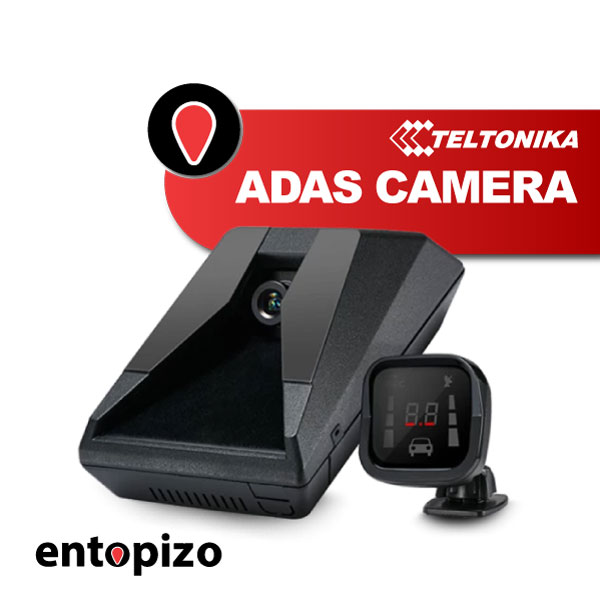 Teltonika ADAS CameraTeltonika ADAS Camera is an advanced solution that offers the ability to send photos or videos…597.00 EUR incl. VAT481.45 EUR excl. VAT
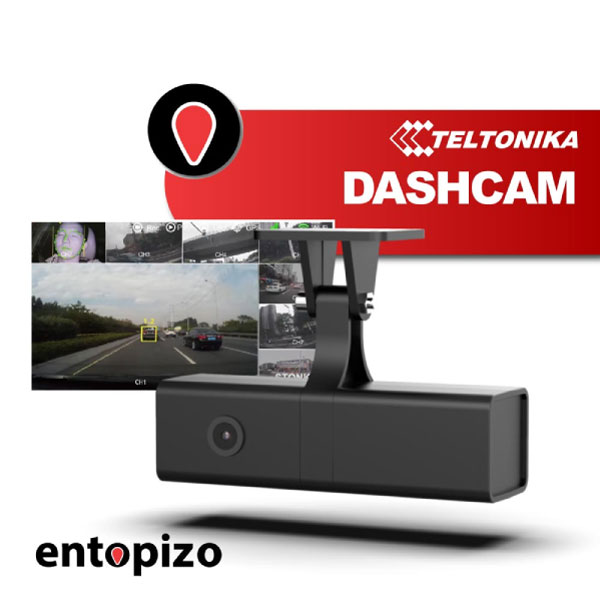 Teltonika DashCam Cameraeltonika DashCam Camera is ideal for capturing videos or photos of events that may occur on…203.00 EUR incl. VAT163.71 EUR excl. VAT
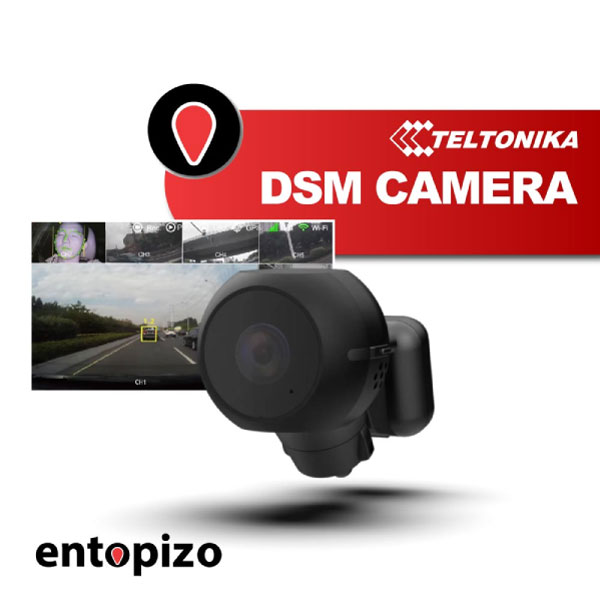 Teltonika DSM CameraTeltonika DSM (Driver State Monitoring) is an advanced driver state monitoring device designed…710.00 EUR incl. VAT572.58 EUR excl. VAT
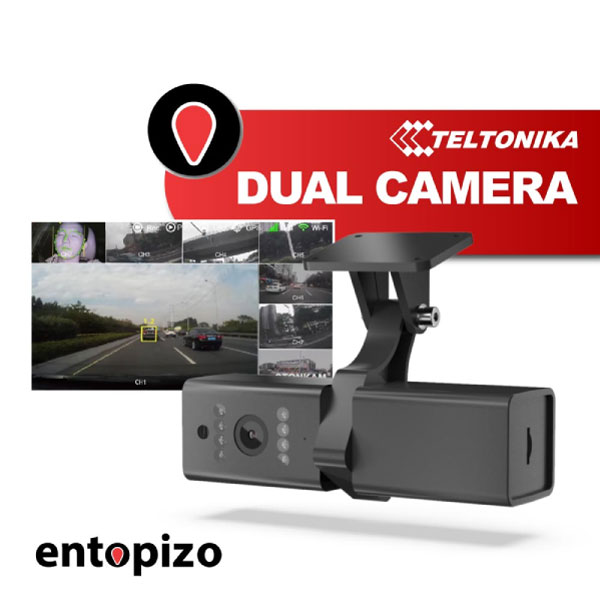 Teltonika DUAL CameraTeltonika Dual Camera is ideal for capturing videos or photos of events that may occur on the…273.00 EUR incl. VAT220.16 EUR excl. VAT
Why fleets add a camera to the tracker
A tracker alone shows where and how fast a vehicle moved. A camera adds visual context: who was driving, what the road looked like, whether another vehicle or pedestrian was involved. For fleet managers, this shortens insurance claims, settles driver disputes, and gives a factual basis for coaching drivers on harsh braking, speeding, or distraction.
For owners of a single vehicle, a camera is mainly about protection in case of an accident or vandalism, with the added benefit of reviewing footage against the recorded route and timestamps from the tracker.
Choosing between ADAS, DashCam, DSM, and DUAL
The four Teltonika camera types in this category cover different needs:
- Teltonika ADAS Camera: watches the road ahead and can warn about lane departure, following distance, and similar forward risks.
- Teltonika DashCam Camera: straightforward forward-facing recording for route and incident footage.
- Teltonika DSM Camera: faces the driver, used to flag fatigue, distraction, or other driver-monitoring signals.
- Teltonika DUAL Camera: records both road and cabin at the same time, useful when both views matter.
Choice depends on what you need to prove or prevent: road events only, driver behavior only, or both. Fleet managers running several vehicles usually mix camera types by vehicle role, for example DUAL on passenger vehicles and DashCam on delivery vans.
Installation and how it connects to the subscription
These cameras are installed alongside the Teltonika tracker already fitted in the vehicle, with footage and events tied to the same device record on our platform. Installation is done by a technician who mounts the camera correctly for its field of view and wires it into the existing tracker setup.
The subscription for the connected tracker includes the SIM card for data, access to our platform, and the mobile and web apps for live tracking and alerts. Where the camera supports event-based footage or live viewing through the platform, this works through the same connection, so there is no separate data contract to manage. A camera bought without a tracker subscription behind it only records locally; it will not give you remote viewing, event alerts tied to location, or footage linked to a route on a map.
Typical use cases
A delivery company uses DashCam footage to resolve a customer complaint about a damaged package by matching the delivery timestamp to the video. A driving school uses a DSM camera to review instructor sessions. A fleet manager reviews ADAS alerts weekly to identify drivers who need coaching on following distance. A taxi operator uses a DUAL camera to have both road and cabin evidence after a passenger dispute.
Frequently asked questions
Do I need a tracker already installed to add a camera?
The cameras in this category are designed to work connected to a Teltonika tracker, so the vehicle needs a compatible tracker installed for the camera to report through our platform.
Can I view live footage, not just recordings?
Live viewing availability depends on the camera model and the connected tracker; our installers can confirm what is supported for your setup before installation.
What is the difference between ADAS and DSM cameras?
ADAS faces the road and focuses on driving risks like lane departure, while DSM faces the driver and focuses on behavior such as fatigue or distraction.
Does the camera work without a subscription?
Without an active subscription the camera can still record locally, but you lose remote access, platform alerts, and the link between footage and your vehicle's tracked route.